Auto
Fantasy Character Speedpaint
A fox wizard illustration develops from loose shapes into colorful fur, fabric and magical details. Auto matches the drawing process to the source artwork.
Turn a finished image into an AI drawing timelapse, from rough sketch and line art to rich color and final detail. Create a speedpaint video without recording your screen.
Inside an AI drawing timelapse
New accounts receive 30 free credits once.
AI generated process animation, not a recording of the original drawing.
Timelapse preview
Auto · Canvas only · 5s · 768P
Your drawing timelapse appears here
Preview your source image, choose the drawing style and generate a video from sketch to finished artwork.
Drawing stages, not live task progress
Compare a fantasy character, a digital painting, a line drawing and a watercolor illustration. Each example shows a different way to turn a finished image into a drawing video.
Auto
A fox wizard illustration develops from loose shapes into colorful fur, fabric and magical details. Auto matches the drawing process to the source artwork.
Digital painting
A sci-fi warrior takes shape through broad color blocks, armor textures and dramatic lighting. The digital painting develops from large forms to small details.
Line art
Flowing contours build two koi, lotus flowers and a moon. Scales, petals and fine ink lines complete the black and white drawing.
Watercolor
Soft washes build a hummingbird and hibiscus flowers. Layered color and fine accents complete the painting while preserving its textured paper look.
An AI Drawing Timelapse Generator turns a finished image into a video of the artwork taking shape. It creates the visual stages of drawing, from early outlines and line art to color and final detail. Start with an illustration, photo or product concept without a source project or screen recording. The result is a new AI animation, not a recovered recording of the original creative process.
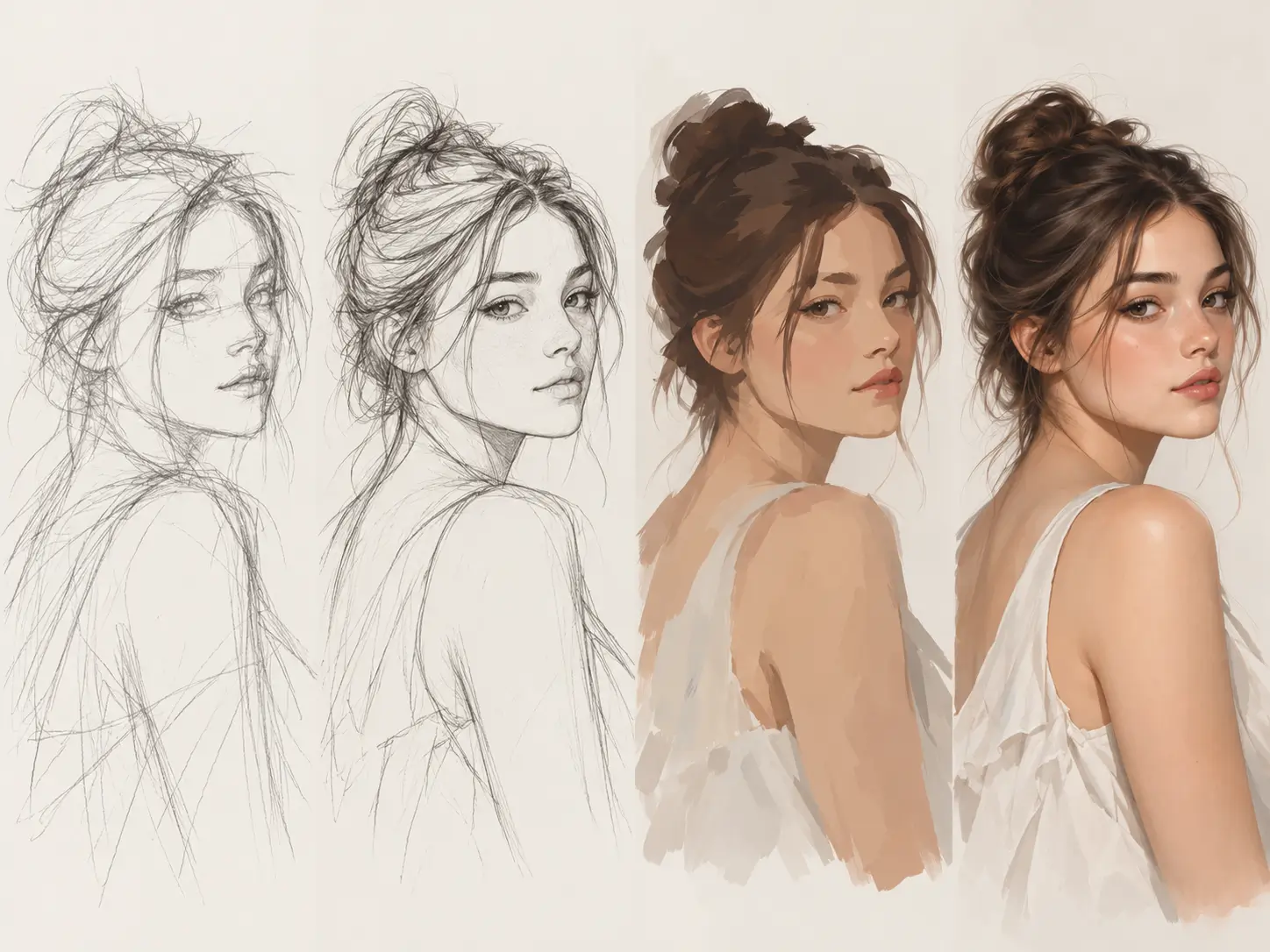
What Is an AI Drawing Timelapse Generator?
The drawing process develops through five visual stages. Large shapes establish the composition before outlines, color, shading and finishing details bring the image together.
Loose shapes establish the pose, proportions and composition.
Clear contours define the subject and its main details.
Broad color areas build the palette before fine shading.
Shadows, highlights and textures add depth and definition.
The sequence finishes with the completed artwork reveal.
Create a drawing process video from one finished image without a recorded drawing session.
Choose a JPG, PNG or WebP file up to 10 MB. Use a clear illustration, photo or design with a distinct subject.
Select Auto, Digital painting, Line art or Watercolor. Choose a canvas only or hand drawn view, then set the video length and resolution.
Add optional notes for drawing order, materials and focal details. Generate the sequence from rough sketch through color and final polish.
Save the completed drawing timelapse as an MP4 for TikTok, Instagram Reels, YouTube Shorts, portfolios or presentations.
Control the drawing medium, process view, video length, resolution and creative direction from the same finished image.
Give a finished illustration a complete visual drawing sequence. From a portrait to a fantasy landscape, the video develops through composition, outlines, color and detail.
Turn Images into Drawing Process Videos
Choose an unobstructed canvas for digital speedpaint or a visible drawing hand for a paper sketchbook look. Both views turn the same finished image into a drawing process.
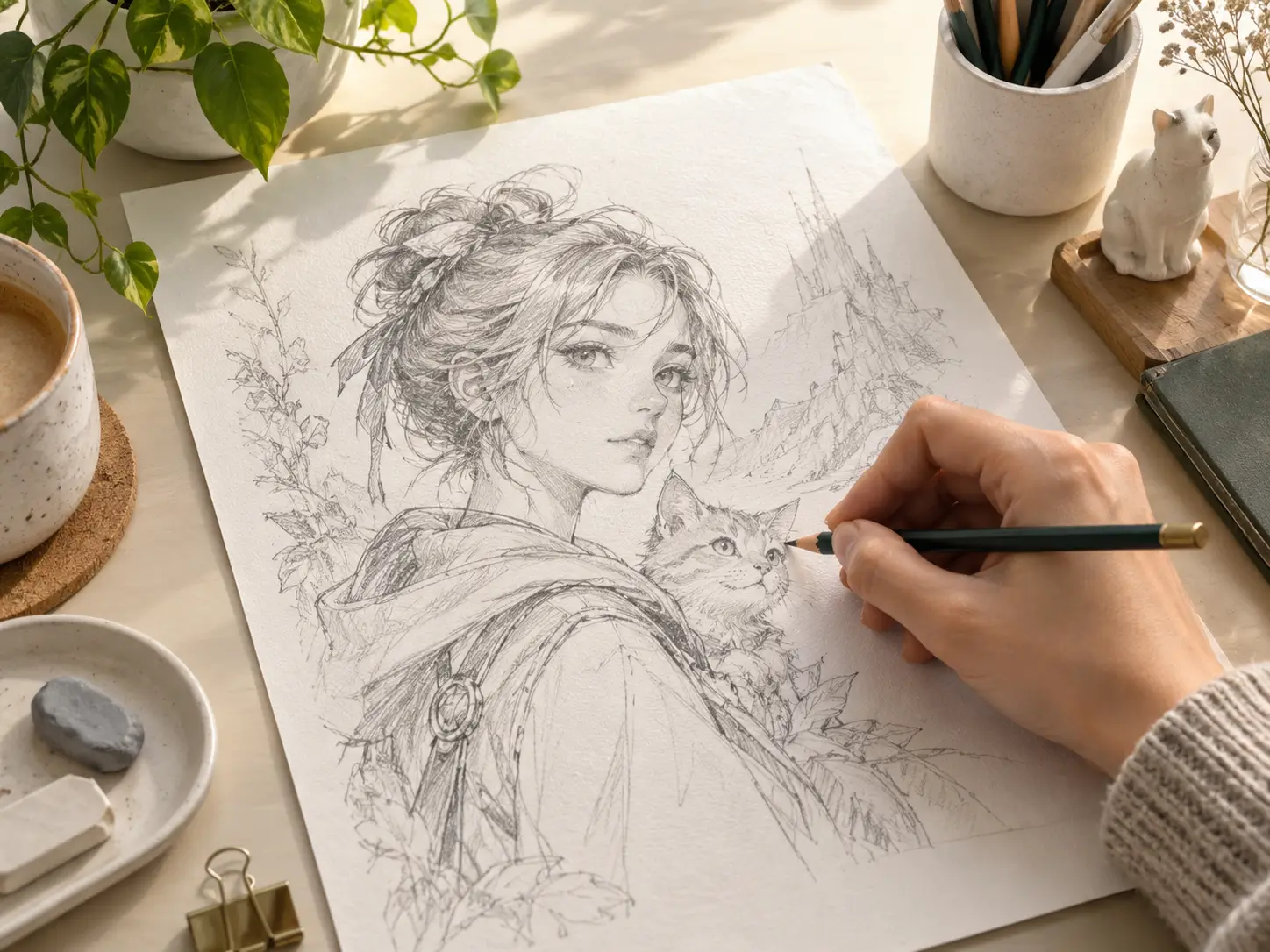
Canvas Only and Hand Drawn Video Styles
Match the process to the artwork. A character starts with pose and facial structure, while a product concept starts with perspective guides, contours and material details.
From Character Art to Product Sketches
Give finished artwork a visual story for social posts, portfolios, design presentations and educational content.
Use a vertical source image to create drawing reveals for TikTok, Instagram Reels and YouTube Shorts. The source image guides the video framing while the artwork develops.
Turn a completed character illustration into an AI speedpaint video showing the face, hairstyle, costume and colors taking shape.
Present line based designs through outlines and progressive detail. Review lettering and fine symbols before publishing the finished video.
Show shoes, packaging and product illustrations developing from perspective sketches into color and material studies.
Add a drawing process video beside finished artwork to present an idea, mood or visual direction without recording a new drawing session.
Animate simple illustrations and visual concepts for lessons and presentations. Check labels and factual details before sharing educational material.
Create a new way to present images you already have with drawing styles and video settings for different projects.
No PSD layers, Procreate recording or original brush history is required. A single exported image is the starting point.
Create a drawing animation without filming a new session, cutting hours of footage or building a manual editing timeline.
Select the medium and view, then use process notes to specify drawing order, materials and details.
Download the result as an MP4 for social content, portfolios and creative presentations. Video framing follows your source image.
Answers about free credits, supported images, drawing styles, video downloads and how the process works.
It turns a finished image into a short video of the artwork being drawn. The sequence moves through sketch, line art, color, shading and final details without requiring a recording of the original drawing session.
New accounts receive 30 starter credits once, enough for one default 5 second 768P generation. Each video uses credits based on duration and resolution, so free access is not unlimited. Preparing the starting sketch does not use credits.
Yes. AI speedpaint and drawing timelapse describe the same core workflow here: a finished image becomes a video of the drawing taking shape. Choose the style, process view and duration to control the result.
Yes. Use a photo, portrait, illustration, anime image, tattoo design or product concept. Upload a JPG, PNG or WebP file up to 10 MB. You do not need a layered project, a Procreate timelapse or drawing experience.
Choose Auto to match the source artwork, Digital painting for color and lighting, Line art for contours and ink detail, or Watercolor for soft washes. Optional process notes let you specify drawing order, materials and focal details.
Yes. Canvas only shows the artwork developing without a hand in view. Hand drawn adds a visible drawing hand for a physical sketchbook presentation. Both options use your finished image as the source.
Choose a 5, 10 or 15 second video in 480P or 768P HD. Video framing follows your uploaded artwork rather than a separate aspect ratio setting. Download the completed result as an MP4.
No. The 5, 10 and 15 second options set the length of the finished video. Processing time depends on the image, selected settings and service load. The generation status shows the current task state.
No. AI creates a new visual process guided by the subject and composition of your image. It does not recover original brushstrokes, layers or timestamps. Generated details vary between runs. Present the video as an AI animation, not evidence of manual authorship.
Use them for art reveals, TikTok, Instagram Reels, YouTube Shorts, portfolios and design presentations. Use images you own or have permission to process, and check the applicable rights and platform rules before publishing client or commercial work.
Your source image provides the subject and composition for the drawing animation. Review the Privacy Policy for information about image processing, storage and deletion. Local previews stay in your browser until an upload is submitted.
A connection error does not mean that generation failed or that no credits were charged. The tool does not automatically resubmit video requests. When a task ID is available, use Check existing task to retrieve its status. A new generation creates a separate paid task.
Bring portraits, illustrations and product concepts to life through sketch, line art, color and final detail. Create an AI speedpaint video without a screen recording.
Generate Drawing Timelapse